
💇 AI Hairstyle Changer
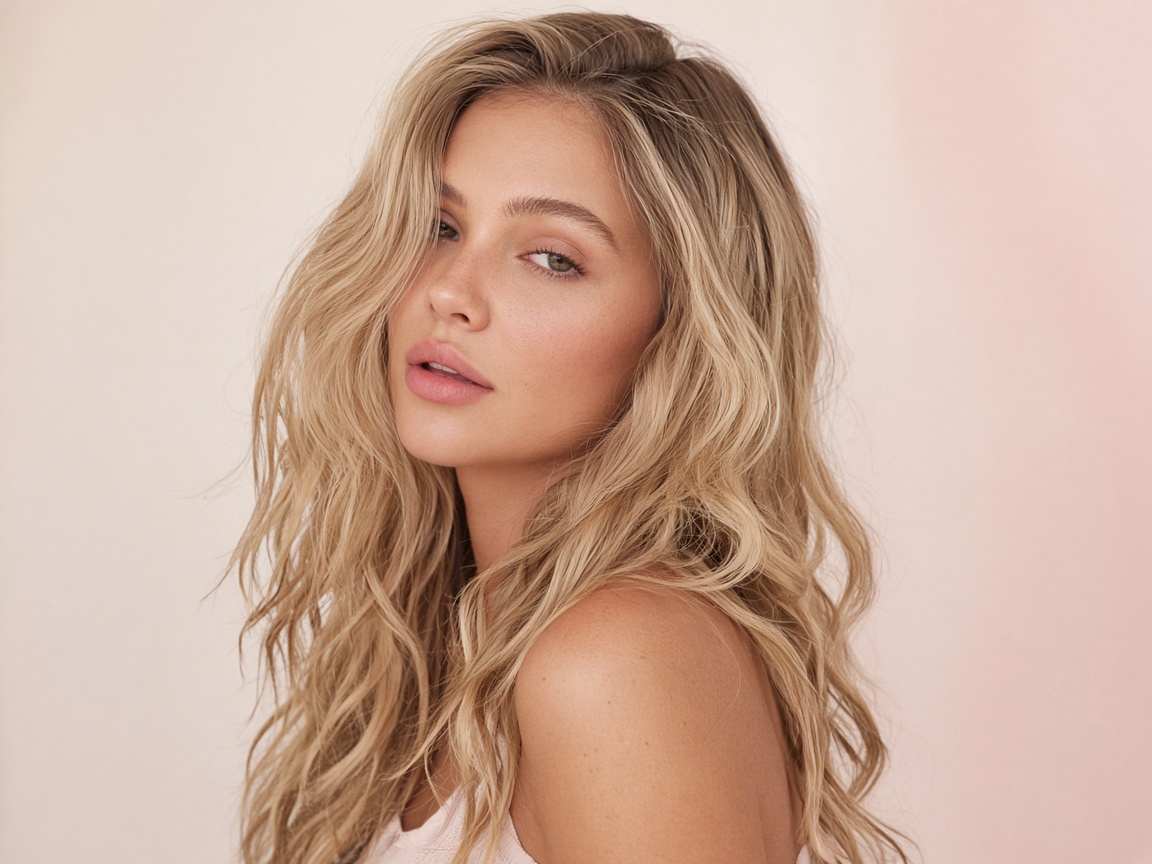
AI Wavy Hair Try-On
Try soft beach waves, glam waves or natural texture. Change your hairstyle without changing your identity.
How it works
A photo. A few taps. A new you.
Upload your photo
Open the Photo AI Studios app and upload a front-facing selfie with your hair pulled away from your face and good lighting.
Pick Wavy Hair
Choose the wavy hair you want to try, or describe your own idea.
See it on you
Get a realistic result in seconds. Compare, download and share your favorites.
FAQ
Wavy Hair questions
How does the AI Wavy Hair Try-On work?
Upload a photo in the Photo AI Studios app, choose “Wavy Hair”, and the AI generates a realistic preview on your own photo in seconds. Change your hairstyle without changing your identity.
Will it change my face or identity?
No. Only the area you are editing is changed. Your face, features and the rest of the photo stay the same.
What kind of photo works best?
Use a front-facing selfie with your hair pulled away from your face and good lighting. Higher resolution photos give sharper, more realistic results.
Can I try wavy hair before going to the salon?
Yes — that is exactly what it is for. Save or download your favorite hairstyle and show it to your stylist or artist.
💇 AI Hair
More styles to try
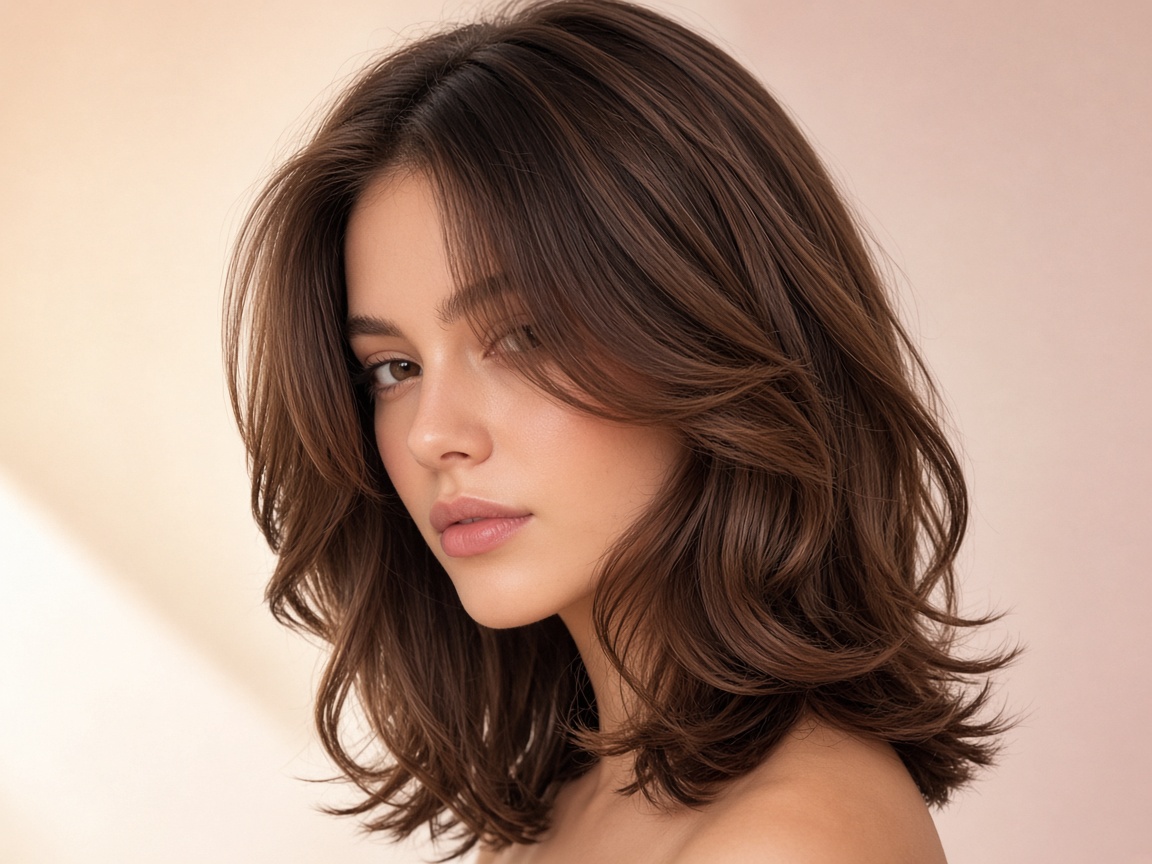 Hairstyle Changer
Try dozens of complete hairstyles on your own face in one tap.
Try it ↗
 Haircut Try-On
Preview a new haircut before you sit in the chair.
Try it ↗
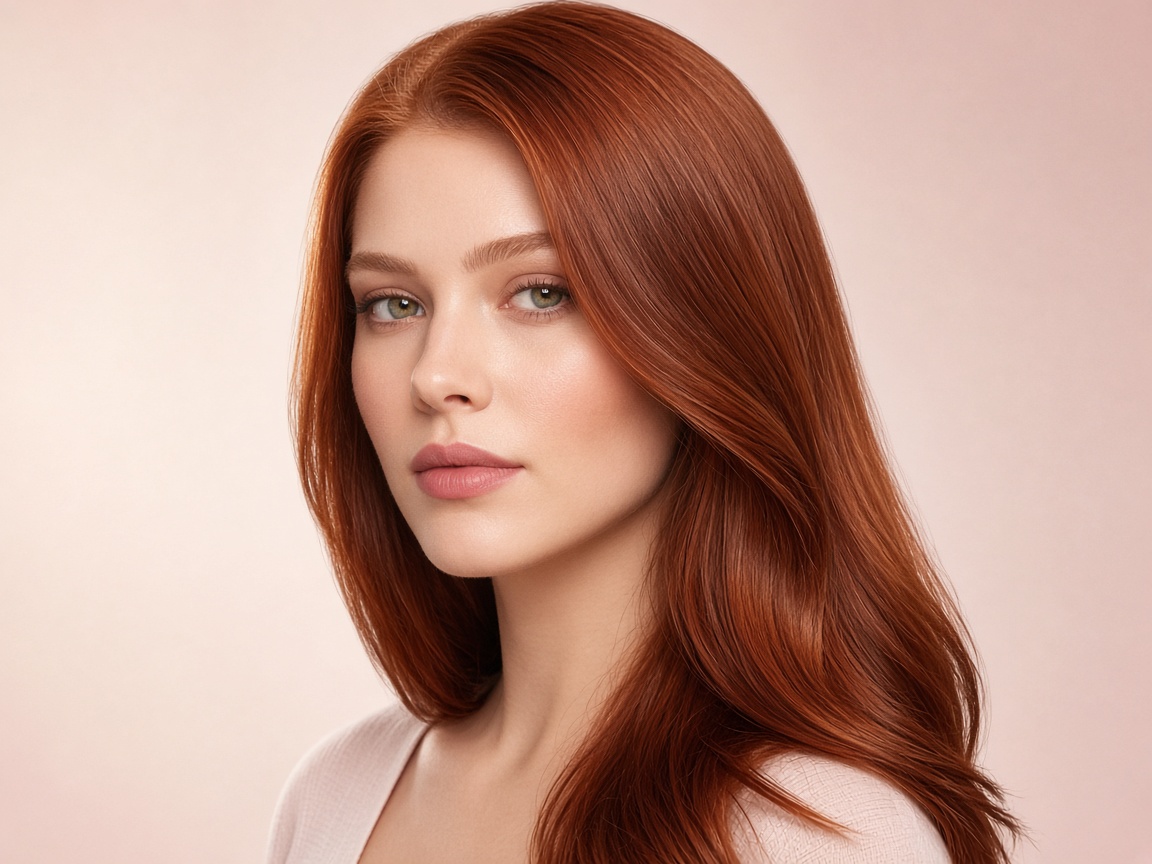 Hair Color Changer
See yourself in any hair color, from natural shades to bold fashion tones.
Try it ↗
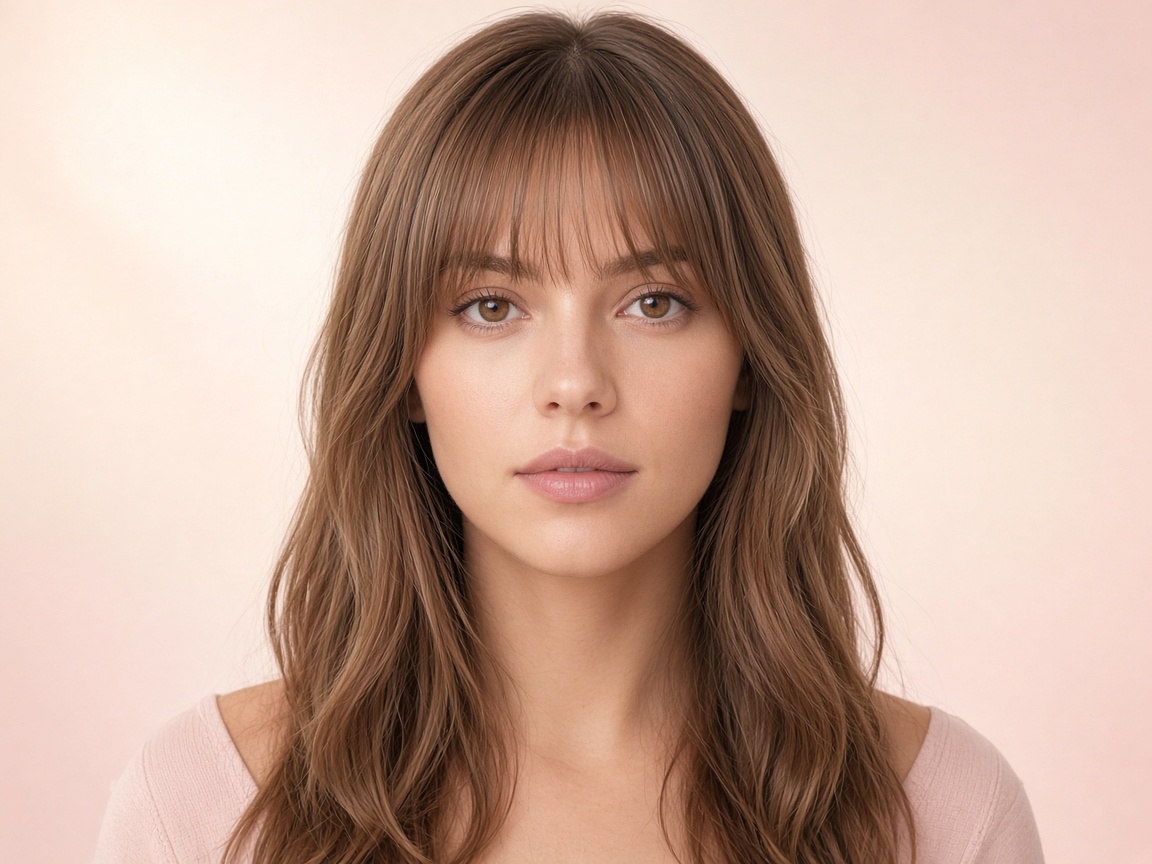 Bangs Try-On
Find out if bangs suit you — curtain, blunt, wispy or side-swept.
Try it ↗
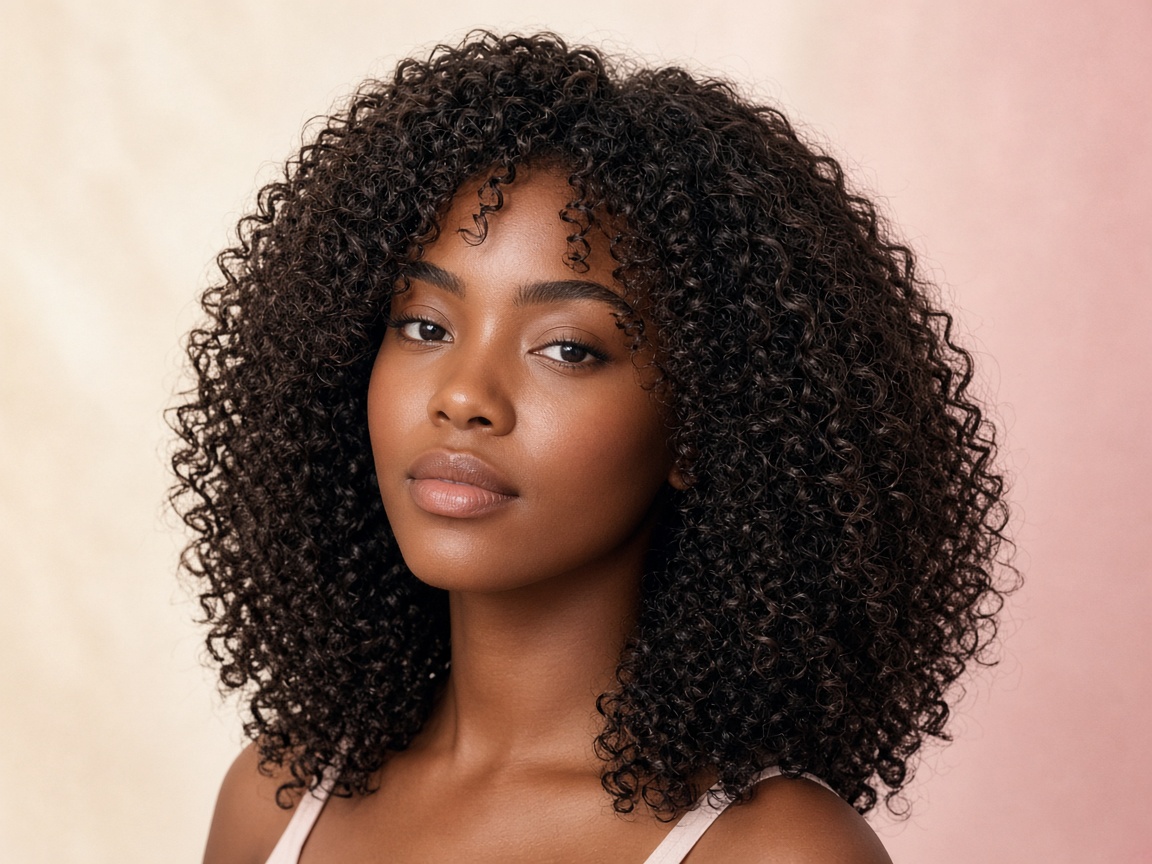 Curly Hair
Add defined curls, coils or ringlets to your current look.
Try it ↗
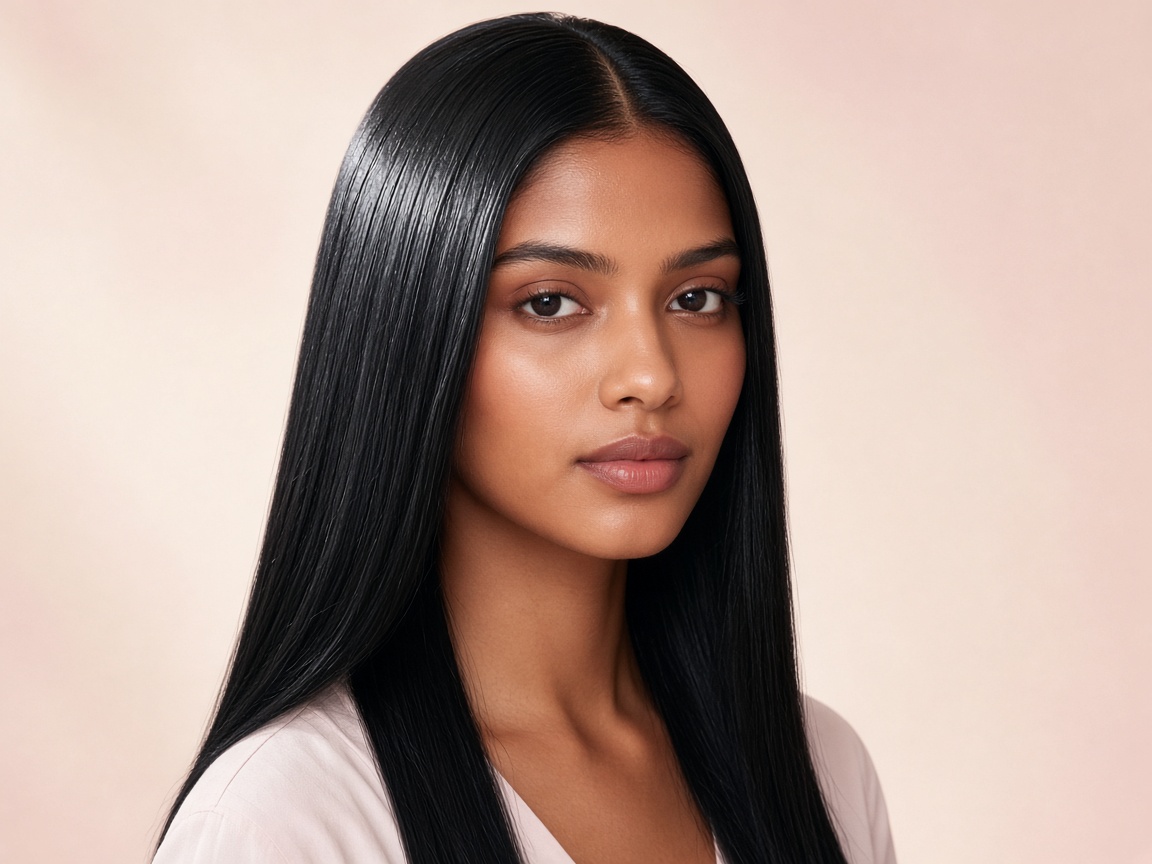 Straight Hair
See your hair sleek, glossy and poker straight.
Try it ↗
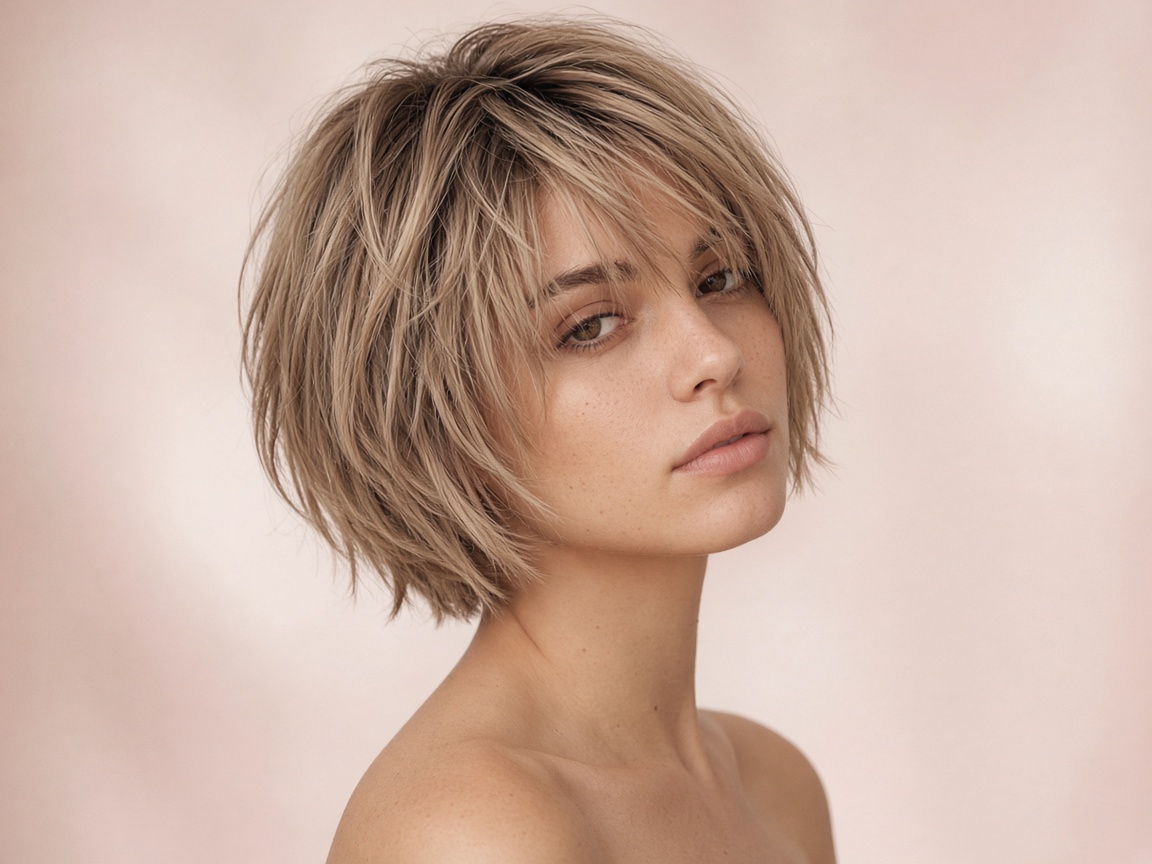 Short Hair
Preview a short cut without the commitment.
Try it ↗
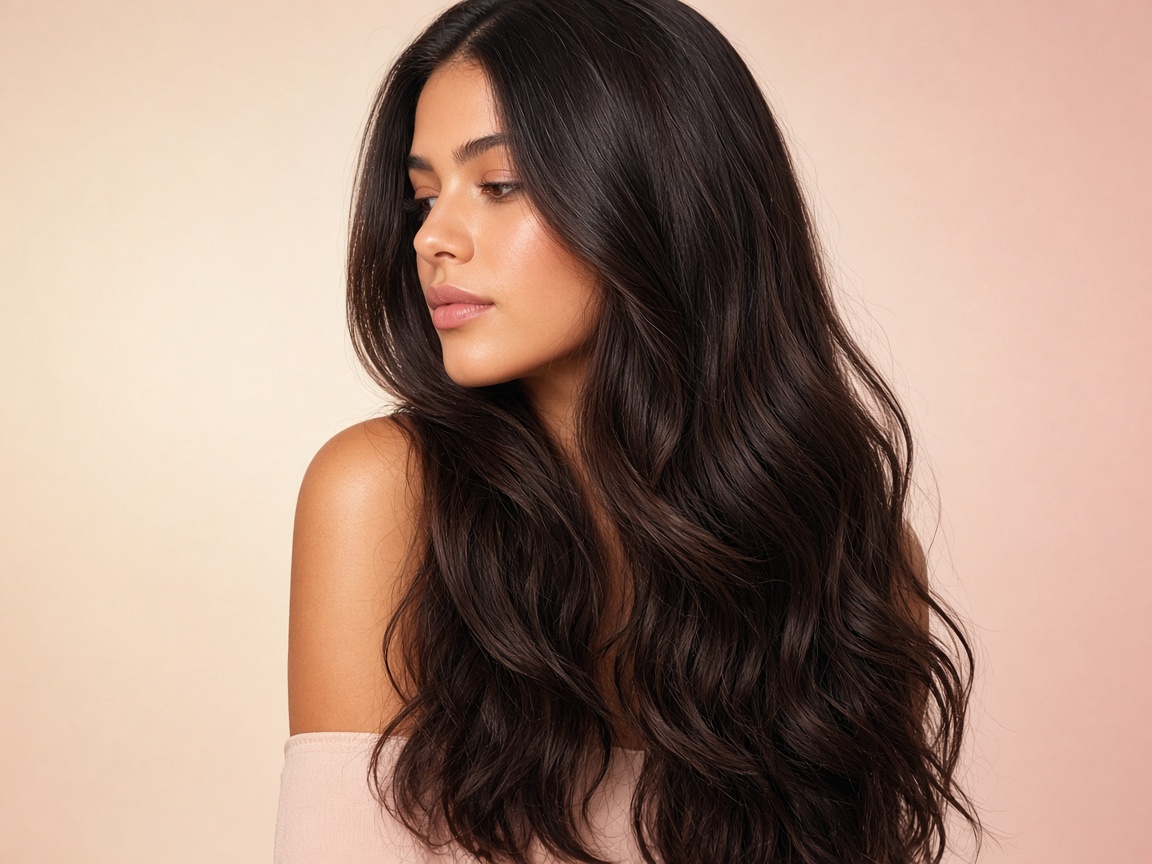 Long Hair
See yourself with long, flowing hair or extensions.
Try it ↗