
💄 AI Makeup Try On
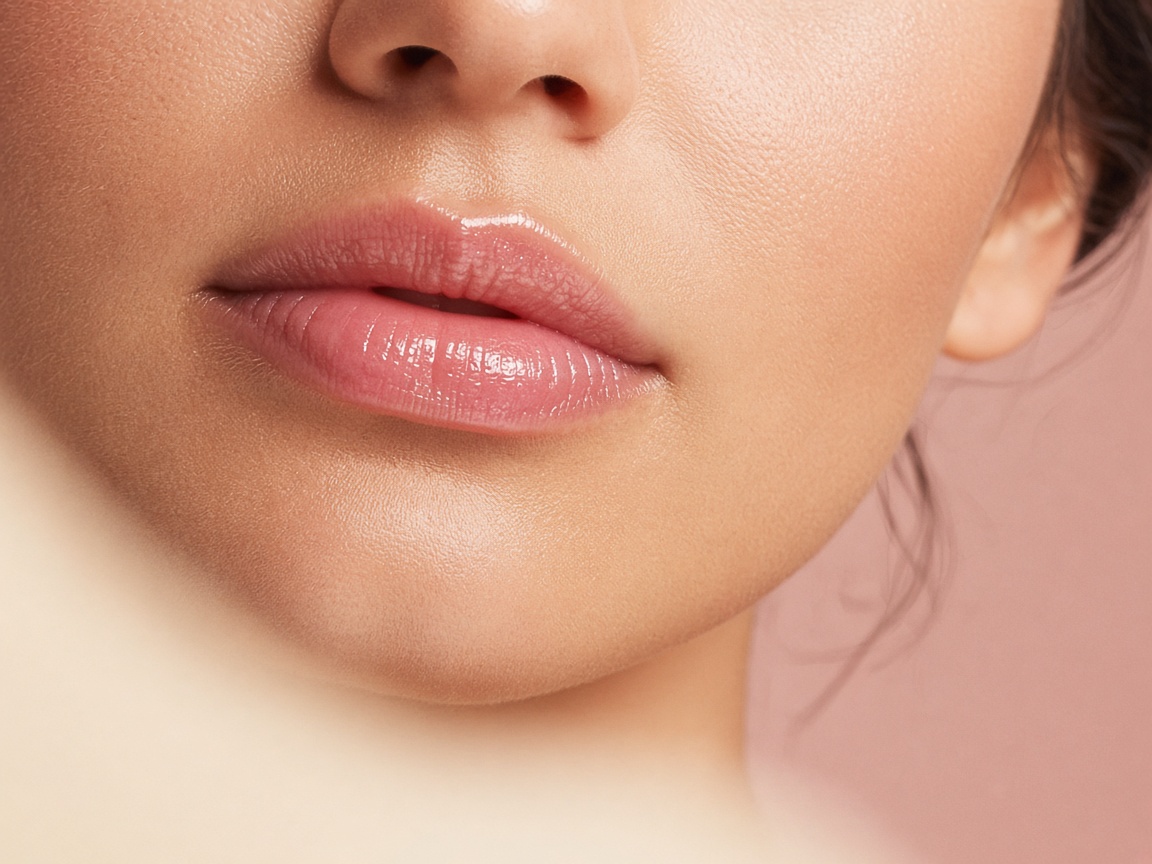
AI Lip Color Try-On
Try lip tints, glosses, liners and two-tone lip looks. Apply or transform makeup directly on your face.
How it works
A photo. A few taps. A new you.
Upload your photo
Open the Photo AI Studios app and upload a front-facing selfie in natural light with a bare or light-makeup face.
Pick Lip Color
Choose the lip color you want to try, or describe your own idea.
See it on you
Get a realistic result in seconds. Compare, download and share your favorites.
FAQ
Lip Color questions
How does the AI Lip Color Try-On work?
Upload a photo in the Photo AI Studios app, choose “Lip Color”, and the AI generates a realistic preview on your own photo in seconds. Apply or transform makeup directly on your face.
Will it change my face or identity?
No. Only the area you are editing is changed. Your face, features and the rest of the photo stay the same.
What kind of photo works best?
Use a front-facing selfie in natural light with a bare or light-makeup face. Higher resolution photos give sharper, more realistic results.
Can I try lip color before going to the salon?
Yes — that is exactly what it is for. Save or download your favorite makeup look and show it to your stylist or artist.
💄 AI Makeup
More styles to try
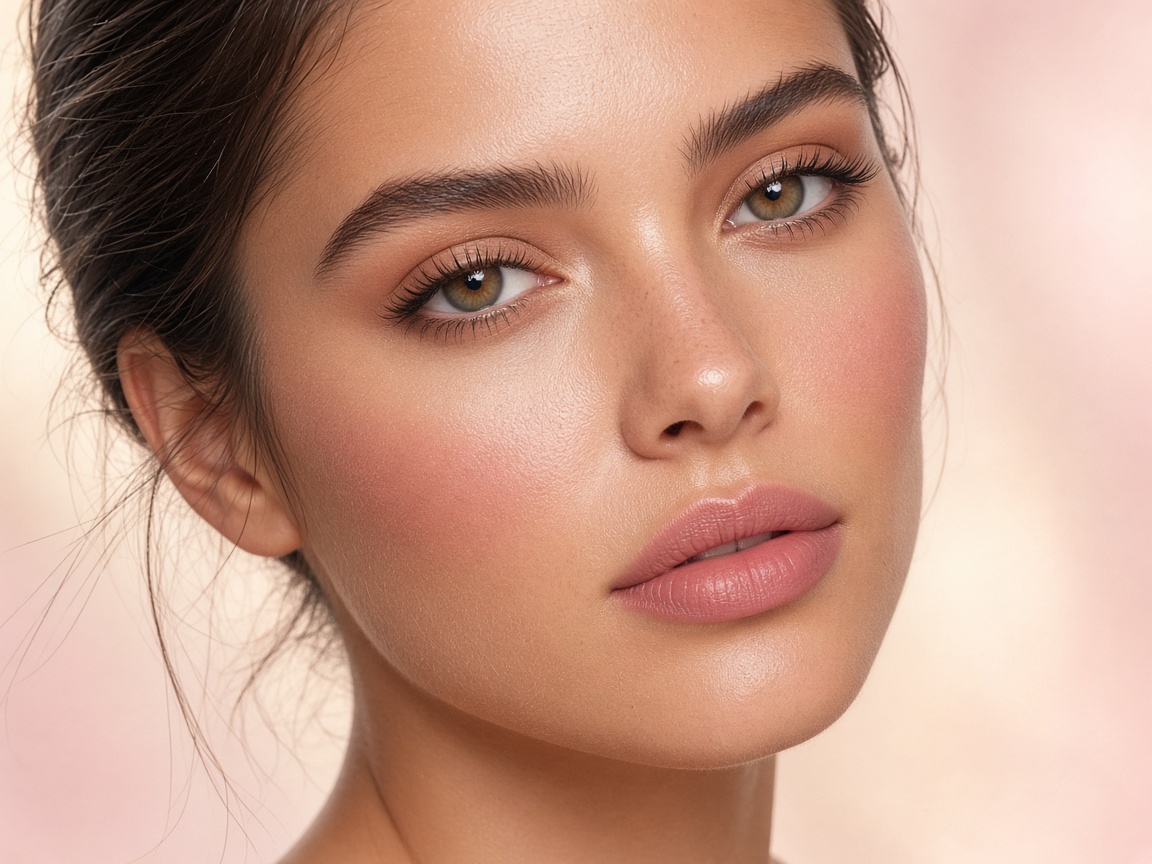 Makeup Try-On
Try complete makeup looks on your own face in seconds.
Try it ↗
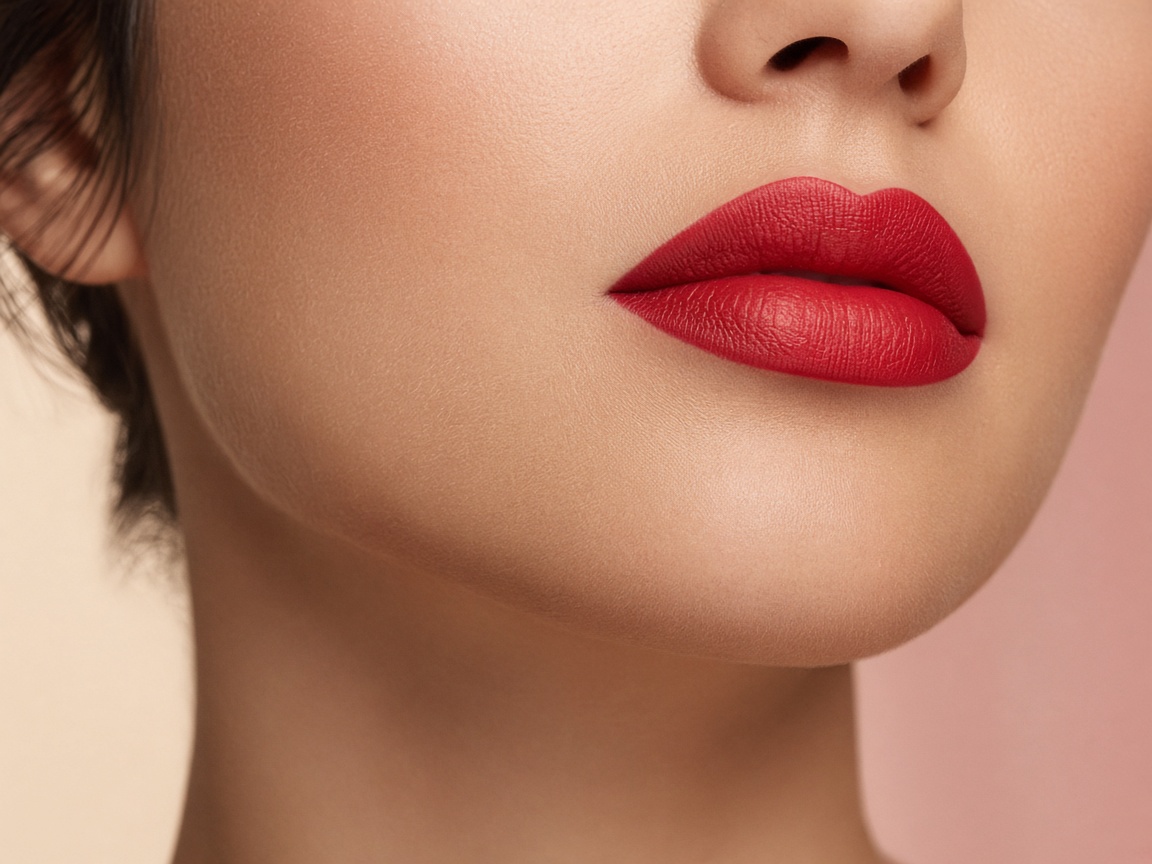 Lipstick
Test lipstick shades and finishes on your own lips.
Try it ↗
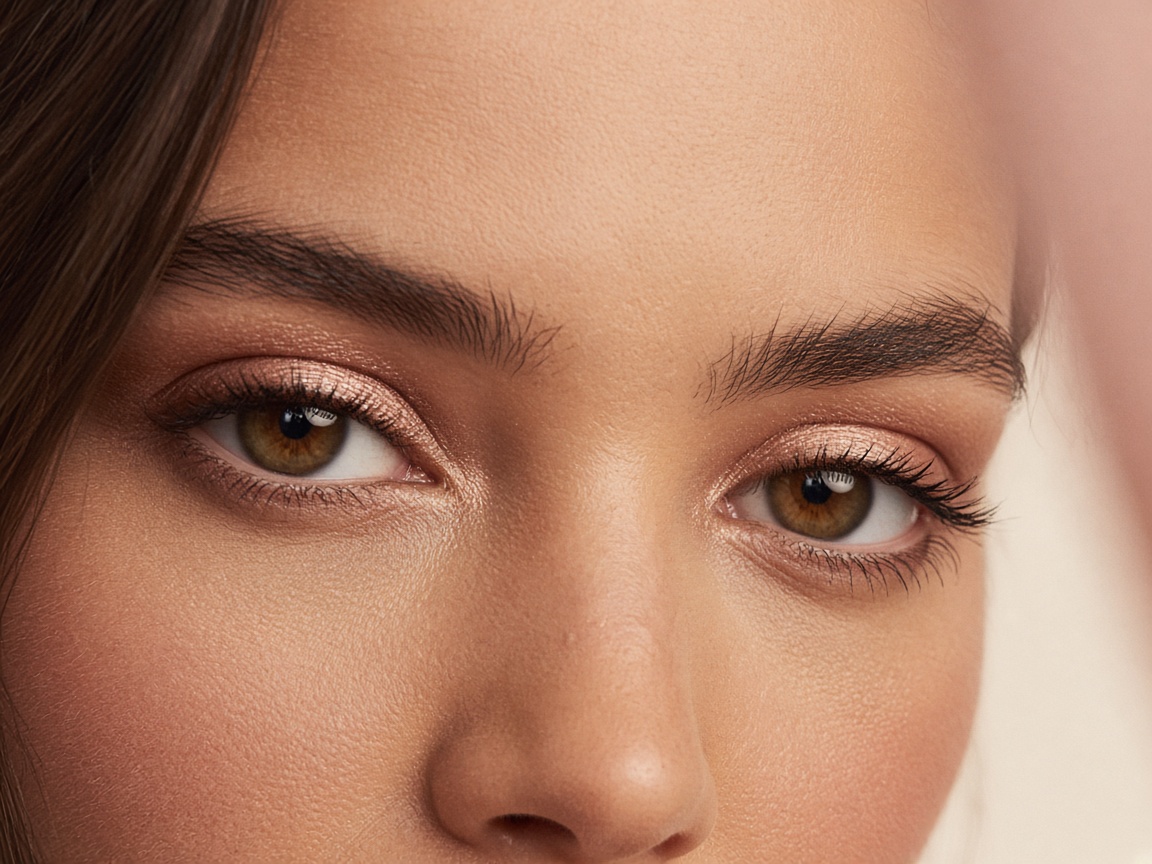 Eyeshadow
Preview eyeshadow colors, shimmer and blending styles.
Try it ↗
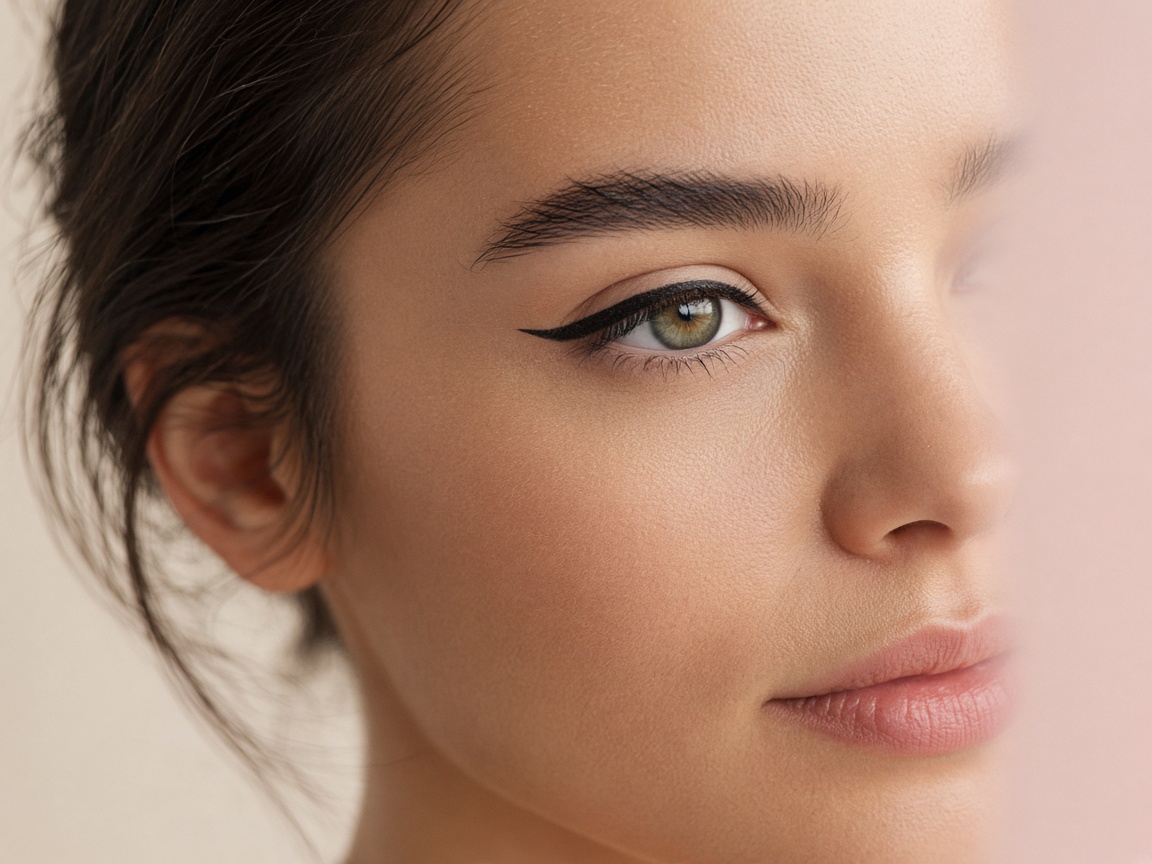 Eyeliner
Try winged, smudged, graphic or tightlined eyeliner.
Try it ↗
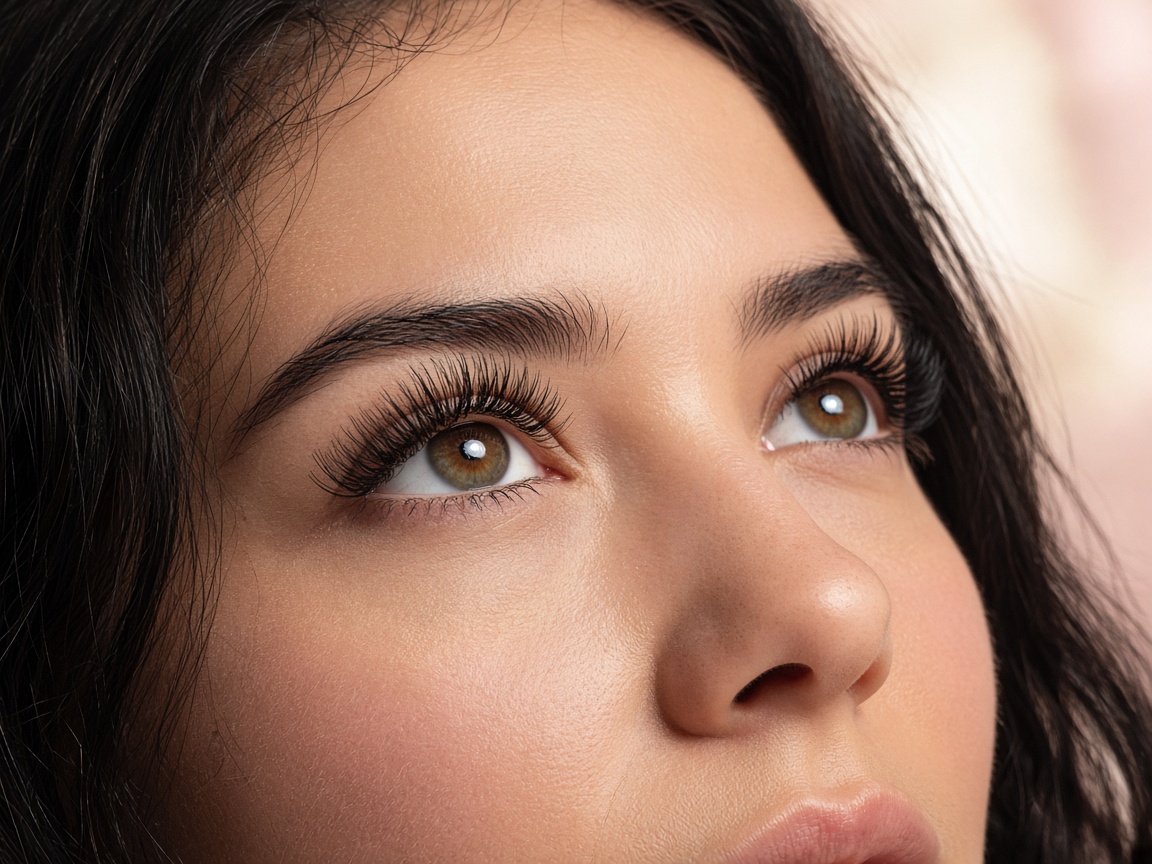 Mascara
See longer, fuller lashes — from natural to dramatic.
Try it ↗
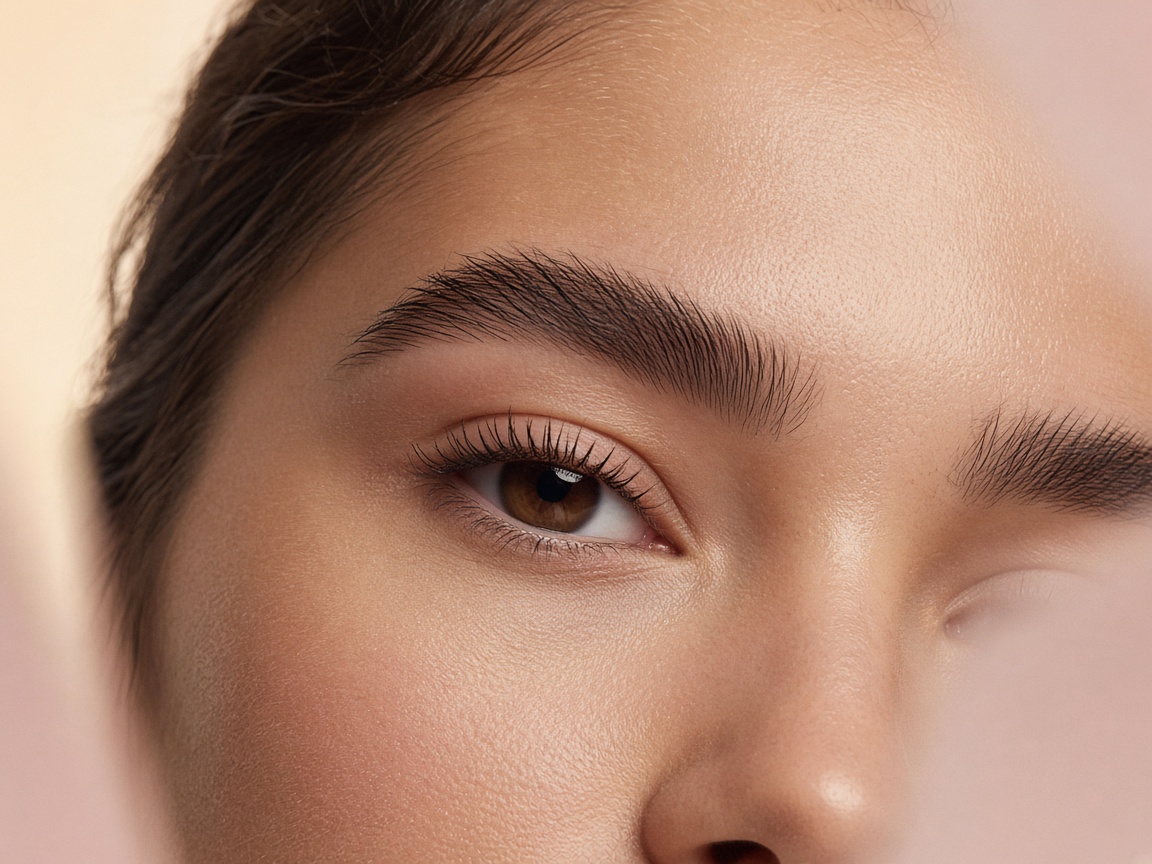 Eyebrows
Try brow shapes, thickness and color to frame your face.
Try it ↗
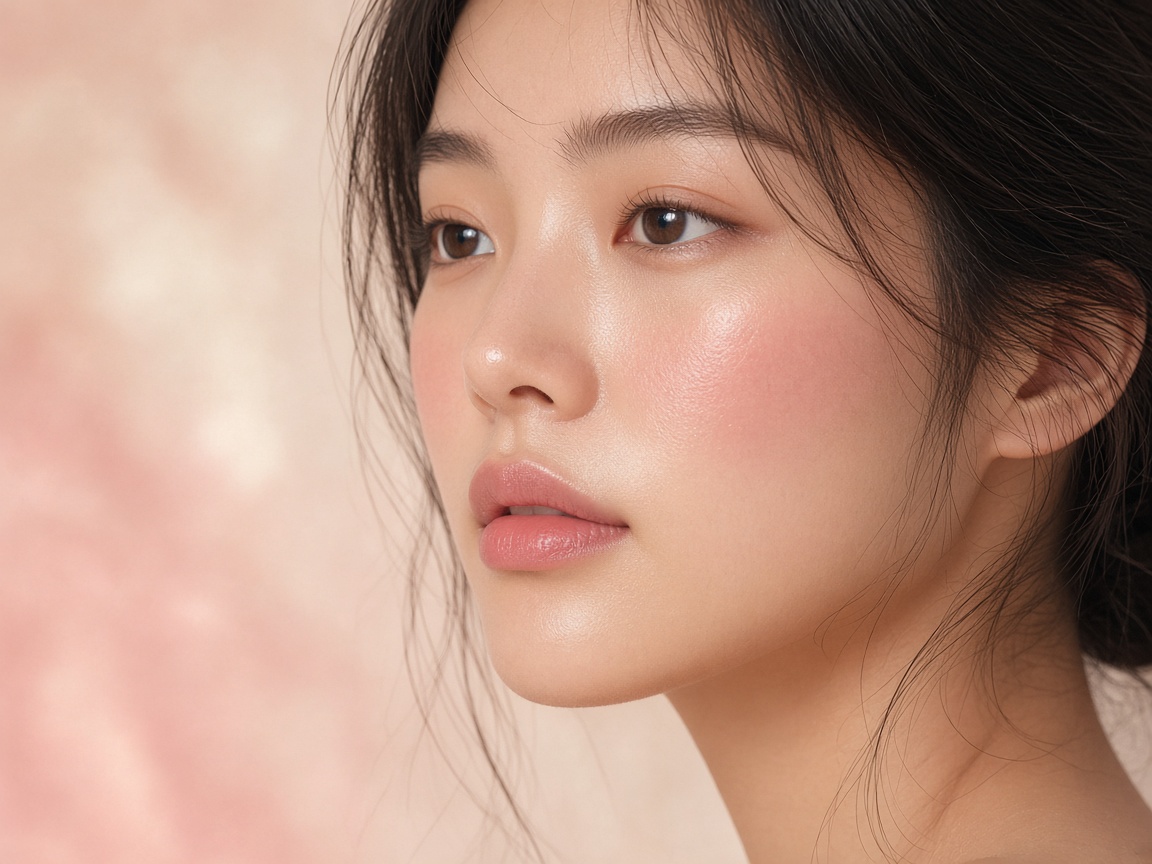 Blush
Find your perfect blush shade and placement.
Try it ↗
 Contour
Preview soft or sculpted contour on your face shape.
Try it ↗